
Download Avast Mac Security – Free AI‑Powered Antivirus for macOS
Overview – Why Avast Mac Security Stands Out
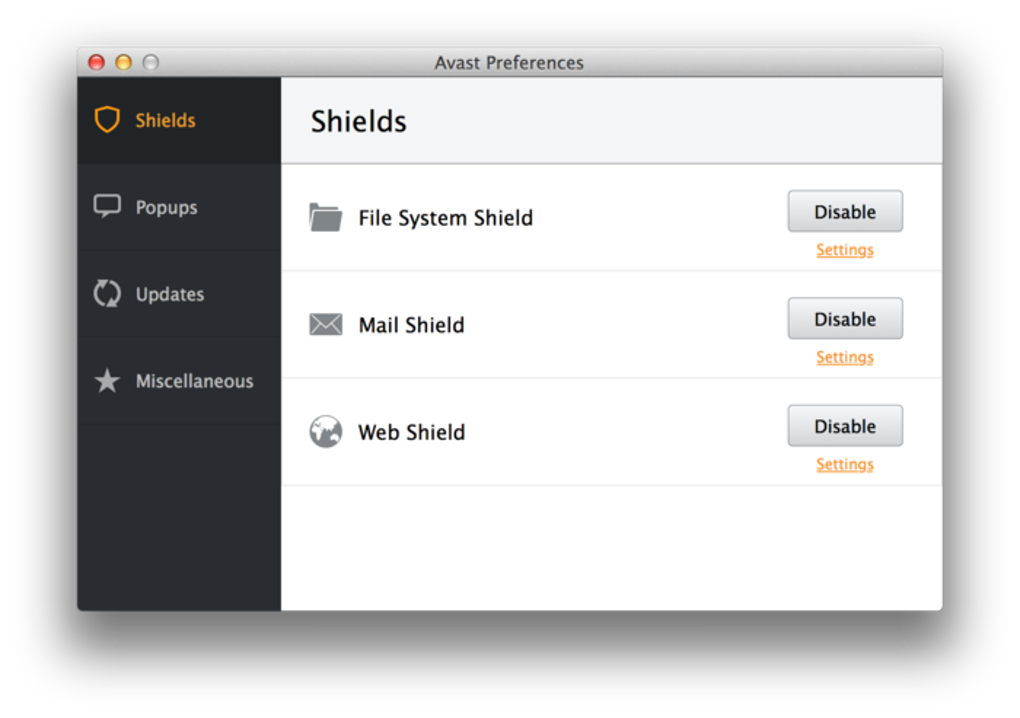
In a world where macOS users are increasingly targeted by ransomware, phishing, and hidden malware, Avast Mac Security delivers a modern, AI‑enhanced defense without demanding a premium price tag. Developed by the global security leader AVAST, this free‑to‑download antivirus blends six layers of protection—Smart Scan, CyberCapture, Behavior Shield, Rescue Disk, Quarantine, and an AI‑driven threat‑prediction engine—to safeguard personal data, files, and online activity. What makes it truly innovative is its ability to run quietly in the background, consuming minimal CPU and RAM, so you can stay productive while the software continuously monitors for viruses, spyware, adware, and malicious links.
The suite also bundles a password manager, Wi‑Fi scanner, and a malicious‑link filter, turning a single download into an all‑in‑one security hub for the modern Mac user. Whether you’re a student juggling coursework, a freelancer handling client contracts, or a family member browsing the web, Avast Mac Security offers a hassle‑free shield that adapts to new threats through constant AI‑driven updates. Its free version provides robust core protection, while premium tiers unlock a VPN, data breach alerts, and driver updater tools for users who need extra layers of privacy and performance.
Core Features & AI‑Powered Protection
- Six‑Layer Antivirus Engine – Smart Scan, CyberCapture, Behavior Shield, Rescue Disk, Quarantine, and AI threat detection work together to stop malware before it reaches your system.
- AI‑Driven Ransomware Prevention – Advanced machine‑learning models analyze millions of data points to predict and block ransomware attacks in real time.
- Smart Scan – One‑click deep scan of files, apps, and system settings, automatically prioritizing high‑risk areas for faster results.
- CyberCapture – Suspicious files are sent to Avast’s cloud for rapid analysis and removal, ensuring zero‑day threats are neutralized.
- Behavior Shield – Monitors running processes for abnormal behavior and instantly alerts you to potential threats.
- Rescue Disk – Creates a bootable recovery environment to roll back corrupted drives or remove stubborn malware.
- Quarantine Sandbox – Isolates detected malware, preventing it from affecting other files or system components.
- Password Manager – Securely stores and autofills login credentials, generating strong passwords on demand.
- Wi‑Fi Security Scanner – Detects vulnerable networks and warns you before connecting to risky hotspots.
- Malicious Link Filter – Scans URLs in real time, blocking phishing sites and fraudulent pages.
The AI backbone of Avast Mac Security distinguishes it from many traditional Mac antiviruses. By continuously learning from global threat telemetry, the program can anticipate new attack vectors—such as fileless malware that operates solely in memory— and stop them before they execute. This proactive stance is especially valuable on macOS, where attackers increasingly exploit trusted system processes.
Users also benefit from automatic updates that keep the AI model fresh without manual intervention, ensuring that the protection stays ahead of emerging exploits. While the free edition offers the core six‑layer engine, upgrading to a premium plan adds a dedicated VPN, data breach alerts, and a driver updater that keeps peripheral hardware compatible with the latest macOS releases. Together, these features make Avast Mac Security a comprehensive, low‑maintenance solution for anyone looking to download a free, secure, and AI‑enhanced antivirus tool.
Installation, Usage & Compatibility
Step‑by‑Step Installation Guide
Getting started with Avast Mac Security is straightforward. First, visit the official
Avast website and click the Download for macOS button. The installer is a
lightweight .dmg file (approximately 45 MB) that launches a guided wizard.
After opening the file, drag the Avast icon into the Applications folder, then launch the app. macOS will prompt you to grant accessibility and full‑disk access permissions; these are essential for the Behavior Shield and Rescue Disk functions. Once permissions are approved, the program performs an initial Quick Scan to establish a baseline security snapshot. If any threats are detected, you’ll be prompted to quarantine or delete them instantly.
The first full Smart Scan can be scheduled for a convenient time—overnight or during a break—to ensure thorough coverage without interrupting your workflow.
Daily Usage Tips for Maximum Protection
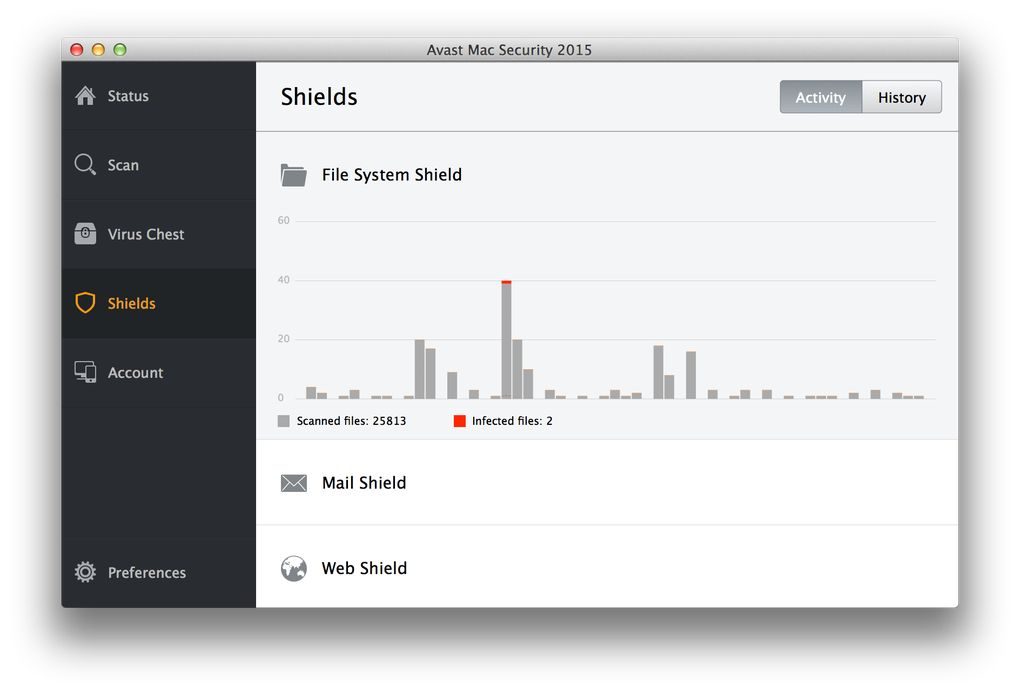
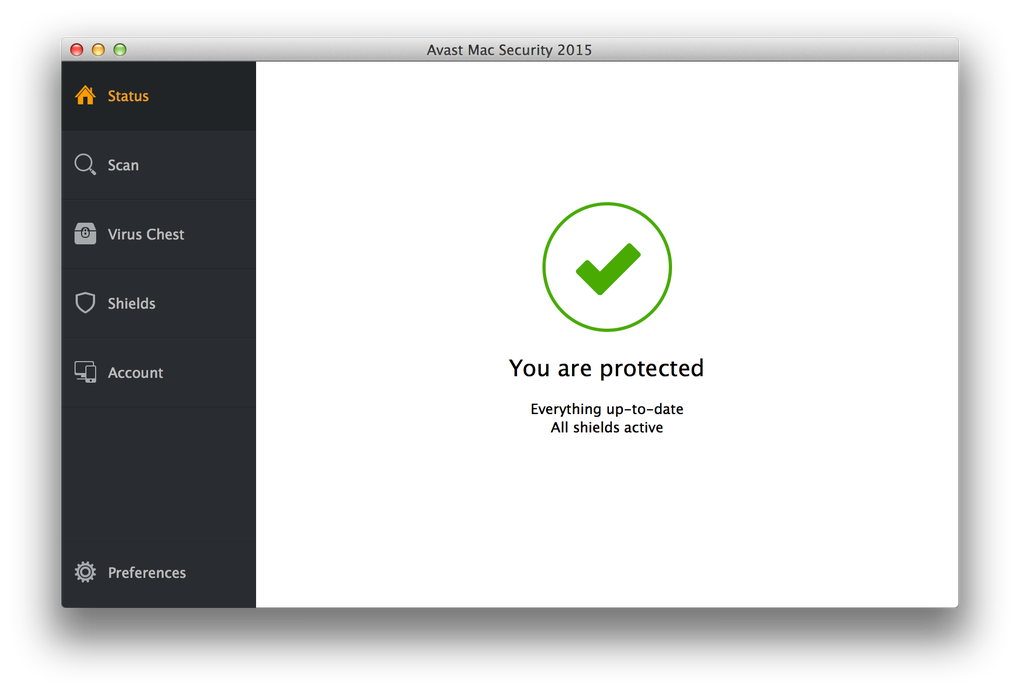
After installation, the dashboard provides a clear overview: real‑time protection status, recent scan results, and quick access to the password manager. For routine protection, enable Automatic Updates and set the Smart Scan to run weekly. The Wi‑Fi Scanner can be toggled on to receive alerts whenever you join a new network, while the Malicious Link Filter works invisibly within Safari, Chrome, and Firefox. If you encounter a suspicious file, right‑click it and select “Scan with Avast” for an on‑demand analysis. For power users, the Rescue Disk can be created on an external USB drive, providing a fallback recovery option in case of severe infection.
System Requirements & Supported Operating Systems
Avast Mac Security is optimized for macOS 10.13 (High Sierra) and later, including macOS Ventura (13) and macOS Sonoma (14). The application runs efficiently on both Intel‑based Macs and Apple Silicon (M1, M2, and later) thanks to universal binaries. Minimum hardware specifications are modest: 2 GB RAM, 200 MB of free disk space for installation, and a dual‑core processor. The low resource footprint ensures that even older MacBook Air models can maintain smooth performance while the antivirus operates in the background.
In summary, the installation process is designed for users of any technical level, and the ongoing usage is guided by an intuitive UI that emphasizes clarity over clutter. Compatibility with the latest macOS releases, combined with support for Apple Silicon, guarantees that you can download and protect your Mac without worrying about performance degradation.
Pros, Cons & Frequently Asked Questions
Pros & Cons
- Pros
- Free core protection with AI‑driven threat detection.
- Low CPU and memory usage; runs silently in the background.
- Comprehensive feature set: password manager, Wi‑Fi scanner, malicious‑link filter.
- Six‑layer security architecture provides deep, layered defense.
- Supports both Intel and Apple Silicon Macs.
- Cons
- Free version displays occasional promotional pop‑ups that cannot be dismissed.
- Quick Scan may miss low‑profile malware; full Smart Scan recommended.
- Advanced features (VPN, data breach alerts) require a paid subscription.
- Some users report delayed notifications from the Behavior Shield.
FAQ – Your Avast Mac Security Questions Answered
Is Avast Mac Security completely free?
The basic antivirus engine, Smart Scan, password manager, and Wi‑Fi scanner are free. Premium tiers add a VPN, data breach monitoring, and driver updater, available through paid subscriptions.
Can Avast Mac Security run on Apple Silicon (M1/M2) Macs?
Yes. Avast provides a universal binary that works natively on both Intel and Apple Silicon chips, ensuring optimal performance on the latest Mac models.
How does the AI‑driven ransomware protection work?
Avast’s AI analyzes millions of file behaviors and patterns in real time. When a suspicious activity matches known ransomware signatures or exhibits abnormal encryption behavior, the AI automatically blocks the process and quarantines the file before damage occurs.
Will Avast Mac Security slow down my computer?
The software is engineered to be lightweight. During idle periods it uses less than 2 % CPU and a few megabytes of RAM, so typical day‑to‑day tasks remain unaffected. Full Smart Scans consume more resources but can be scheduled for off‑hours.
How do I create a Rescue Disk for emergency recovery?
Open Avast, go to the “Tools” tab, select “Rescue Disk,” and follow the wizard to write the recovery image to a USB drive. The disk can boot your Mac and restore the system to a previous clean state if a severe infection blocks normal operation.
Overall Verdict: Avast Mac Security delivers solid, AI‑enhanced protection for free users while keeping system impact low. The occasional ad pop‑ups are the main downside, but premium upgrades provide valuable extras for power users.
Conclusion – Should You Download Avast Mac Security?
If you’re looking for a reliable, free antivirus that combines modern AI detection with a suite of useful utilities, Avast Mac Security is a strong candidate. Its six‑layer architecture, low resource usage, and built‑in password manager give everyday users peace of mind without the clutter of heavyweight security suites. While the free version shows promotional ads and occasional quick‑scan gaps, the core protection remains robust. For those who need extra privacy, the premium plans add a VPN and data breach alerts, making the upgrade worthwhile. Overall, downloading Avast Mac Security is a sensible step toward securing your Mac against today’s evolving threats.
0.00 USD – Click here to download Avast Mac Security now and start protecting your Mac instantly.







